Long queues at the weekend
Every family waits for the same desk. Self-registration splits the queue.
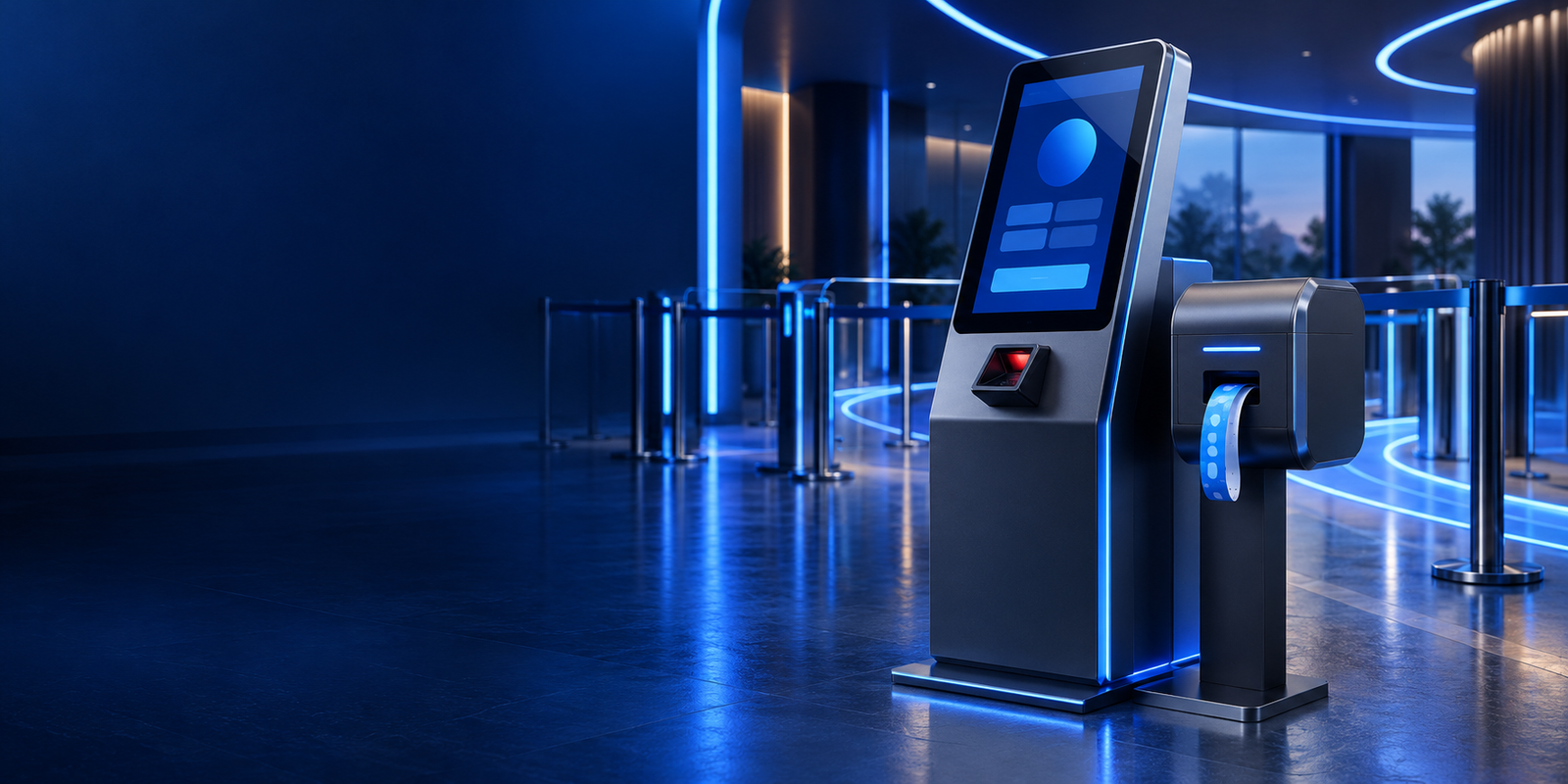
Kids zone kiosk · Jeddah & across KSA
A Windows kiosk and staff system for walk-in registration, timed play sessions and payments, all running on one shared backend.
Overview
Weekend queues at a play zone are mostly paperwork. The kiosk lets families register on their own, while staff see every active session and handle payments from the same system.
Everything runs on a shared Firebase backend, so the kiosk, the desk and the reports always agree.
The business case
Every family waits for the same desk. Self-registration splits the queue.
Staff juggle paper and timers. Session control shows who is inside and for how long.
Sales and registrations never match. POS sits on the same backend.
Forms get lost or are unreadable. Details are captured digitally at check-in.
Who it’s for
Venues with walk-in families and timed play.
Multi-activity venues that need fast entry.
Play areas inside shopping centres with fluctuating demand.
Hotels and resorts running supervised kids’ areas.
Features
Families register without waiting.
Timed play, managed properly.
Sales in the same system.
Front-desk control for exceptions.
Running a play zone where weekends feel like one long queue?
Book a venue walkthrough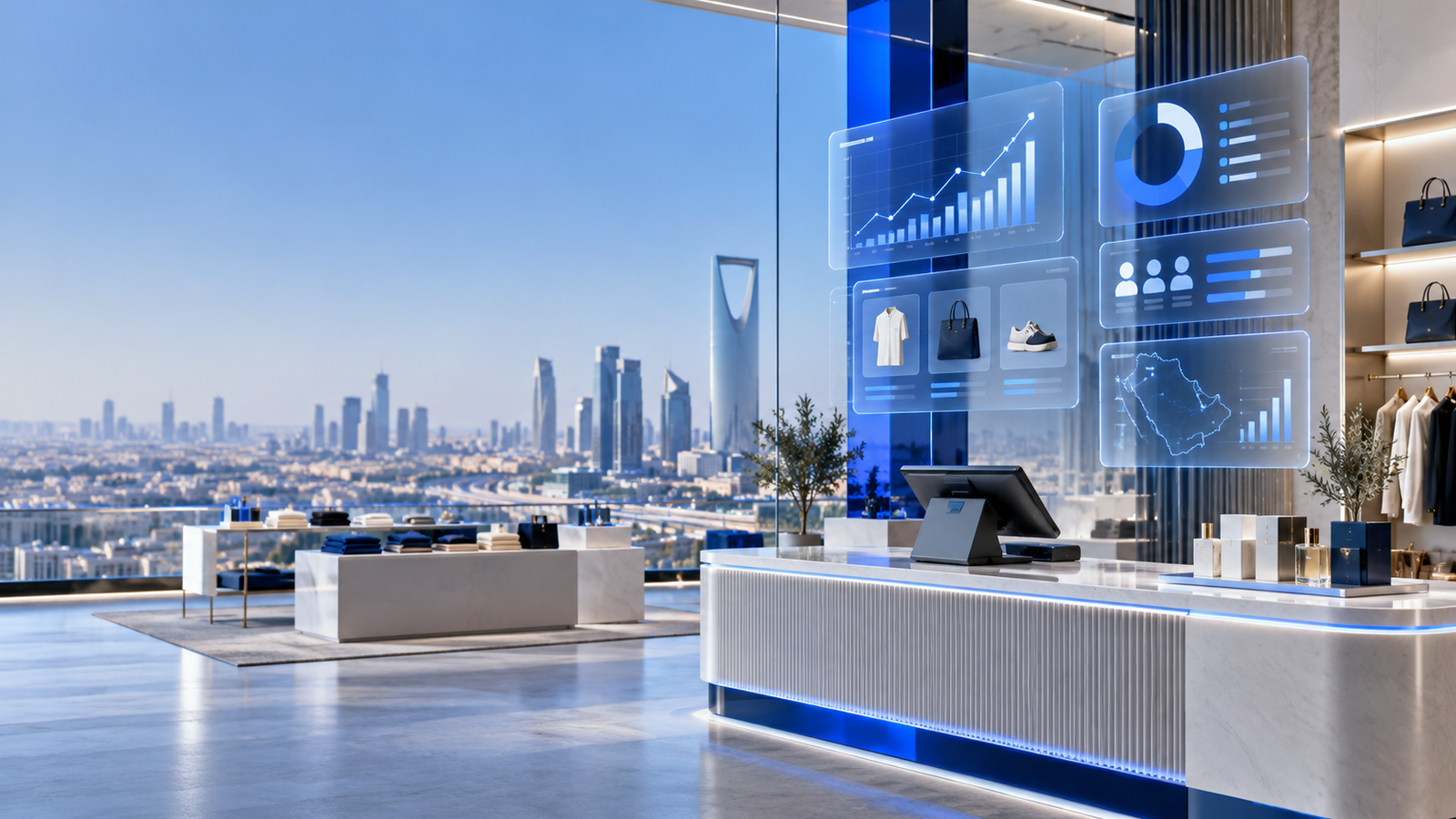
In practice · Kids Zone Kiosk & POS
Busy play zones need reliable walk-in registration, session control and point-of-sale from one shared system. When these run separately, queues grow and staff lose track of who is inside.
We brought the kiosk, staff-facing workflows and payment operations together on Firebase, so families can register themselves while staff keep control of sessions and sales.
How deployment works
Entrances, waiting areas, the desk and how sessions are sold today.
Session types, pricing, forms, receipts and staff roles.
Kiosk hardware, printers and staff devices set up and tested on site.
Support through opening weekends, then ongoing help and updates.
Why ArrowTech
The system came from a real play-zone project combining kiosk, staff tools and POS.
Our team sets up hardware on site and supports you through the busiest days.
Add wristband printing, access control or more kiosks as the venue expands.
Relevant work
The original kiosk and POS build, plus the credential tools around it.
Windows kiosk, staff tools and POS for indoor kids’ play zones.
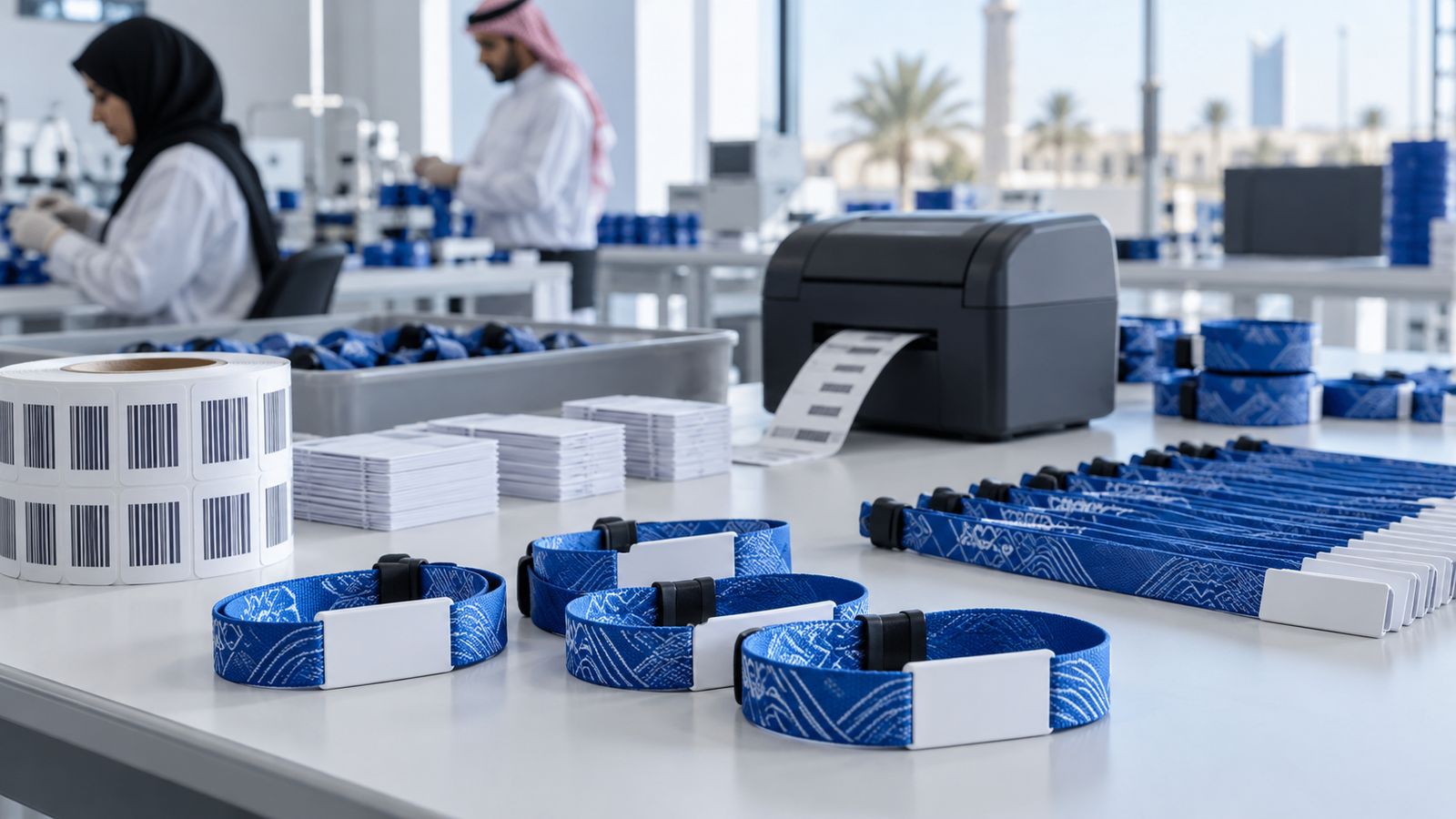
Desktop tool for designing and batch-printing RFID and barcode wristbands.
Multi-tenant ERP for wristband and badge manufacturing, from order intake to ZATCA invoicing.
Client feedback
FAQ
Ask about hardware, pricing set-up or reports for your venue.
Ask about Kids zone kioskThe kiosk runs on Windows touch-screen hardware with a receipt printer. We can supply or recommend suitable devices.
The core system focuses on walk-in kiosk registration. Pre-registration can be scoped as an extension.
Each check-in starts a session; staff see time remaining and can extend or end sessions from their tools.
Yes. Session types and prices are configurable by staff with the right permissions.
Daily sales, sessions by type and visitor numbers, with exports for your finance team.
Contact ArrowTech
Tell us about your venue, your busiest times and how check-in works now. We’ll recommend a set-up.
Head office in Jeddah. Working with teams across Saudi Arabia and the GCC.
41503 - Palestine Commercial CenterJeddah, Saudi Arabia(+966) 12-617-7177info@arrowtech.sa