
Layouts rebuilt for every order
Time lost recreating designs. Templates make repeat work instant.

Wristband design studio · Jeddah & across KSA
A desktop application for laying out barcode and RFID wristbands, reusing approved templates and printing large batches straight from your data.
Overview
Operators design a layout once, save it as a template and reuse it for every batch. Data comes in from a list, wristbands come out, with barcode and RFID encoding handled in the same workspace as the printer controls.
That turns a fiddly, error-prone job into a repeatable process any trained operator can run.
The business case
Time lost recreating designs. Templates make repeat work instant.
Copying names and codes by hand introduces mistakes. Batches print directly from imported data.
Switching software slows operators down. The studio does all three.
Production depends on a single expert. A clear workspace lets more of the team run batches.
Who it’s for
Teams printing event, venue and healthcare wristbands at volume.
Organisers producing their own credentials in-house.
Partners preparing RFID and barcode credentials for systems.
Central printing of patient or visitor identification.
Features
Reusable layouts with consistent branding.
Print hundreds or thousands from a list.
Credentials your access system can read.
Device settings in the same workspace.
Printing wristbands at volume and want fewer mistakes?
Arrange a studio demo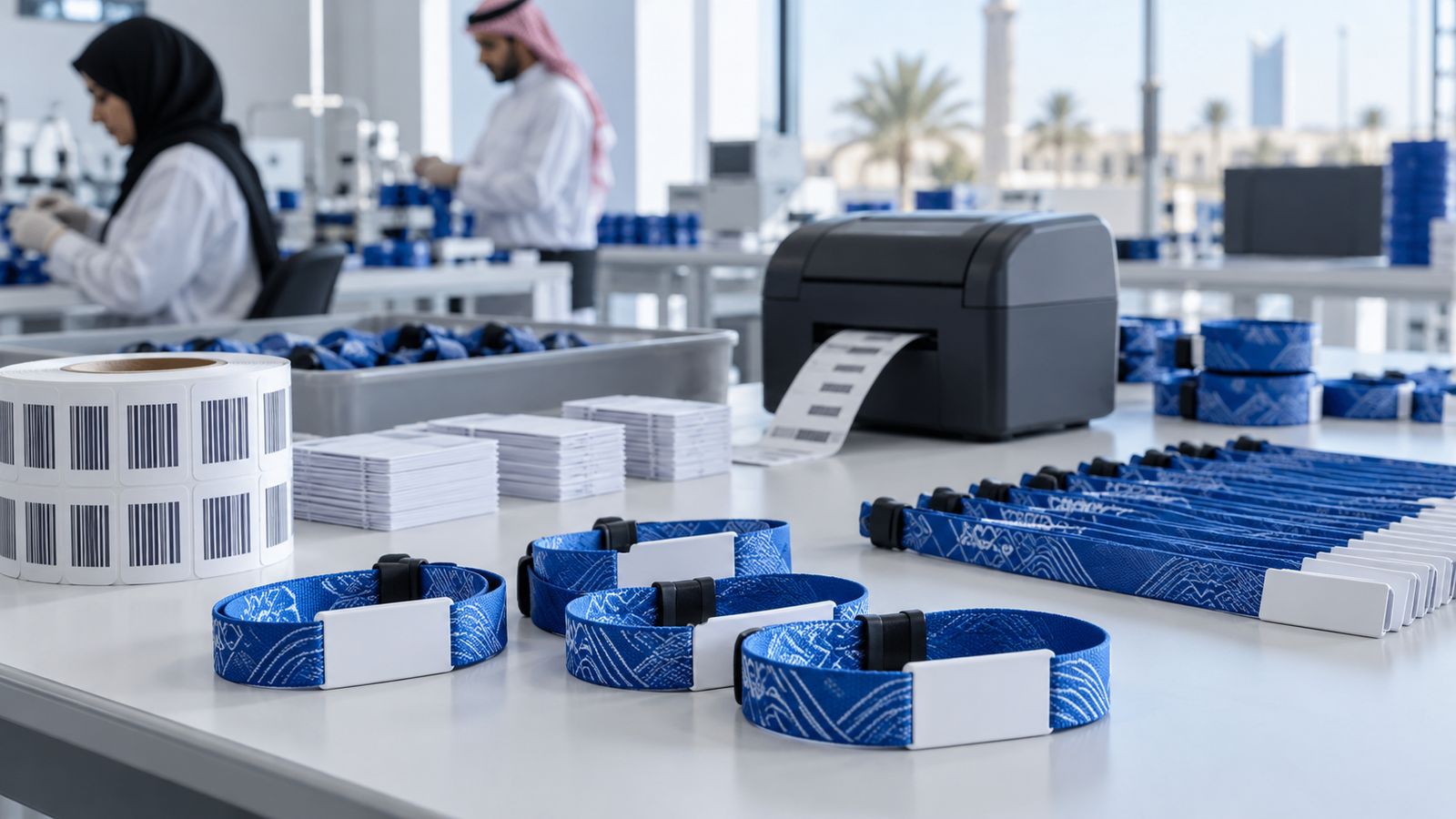
In practice · Wristband Design Studio
Teams needed a faster, more consistent way to prepare barcode and RFID wristbands for high-volume operations. Rebuilding layouts for every batch was slow and easy to get wrong.
A desktop design and batch-printing workspace gives operators reusable layouts, data-ready production and controls built around the printing devices they use every day.
How deployment works
Credential types, printers, media and the data you print from.
Approved layouts set up with your branding and data fields.
Device configuration and test runs on your actual media.
Hands-on training and support for the first live batches.
Why ArrowTech
Designs feed the ERP suite, and printed credentials work with our access-control system.
We work with RFID, barcodes and thermal wristband printers across events and healthcare.
Operators are trained on site, with support available when production deadlines are tight.
Relevant work
Design, production and identification projects connected to the studio.
Desktop tool for designing and batch-printing RFID and barcode wristbands.
Multi-tenant ERP for wristband and badge manufacturing, from order intake to ZATCA invoicing.
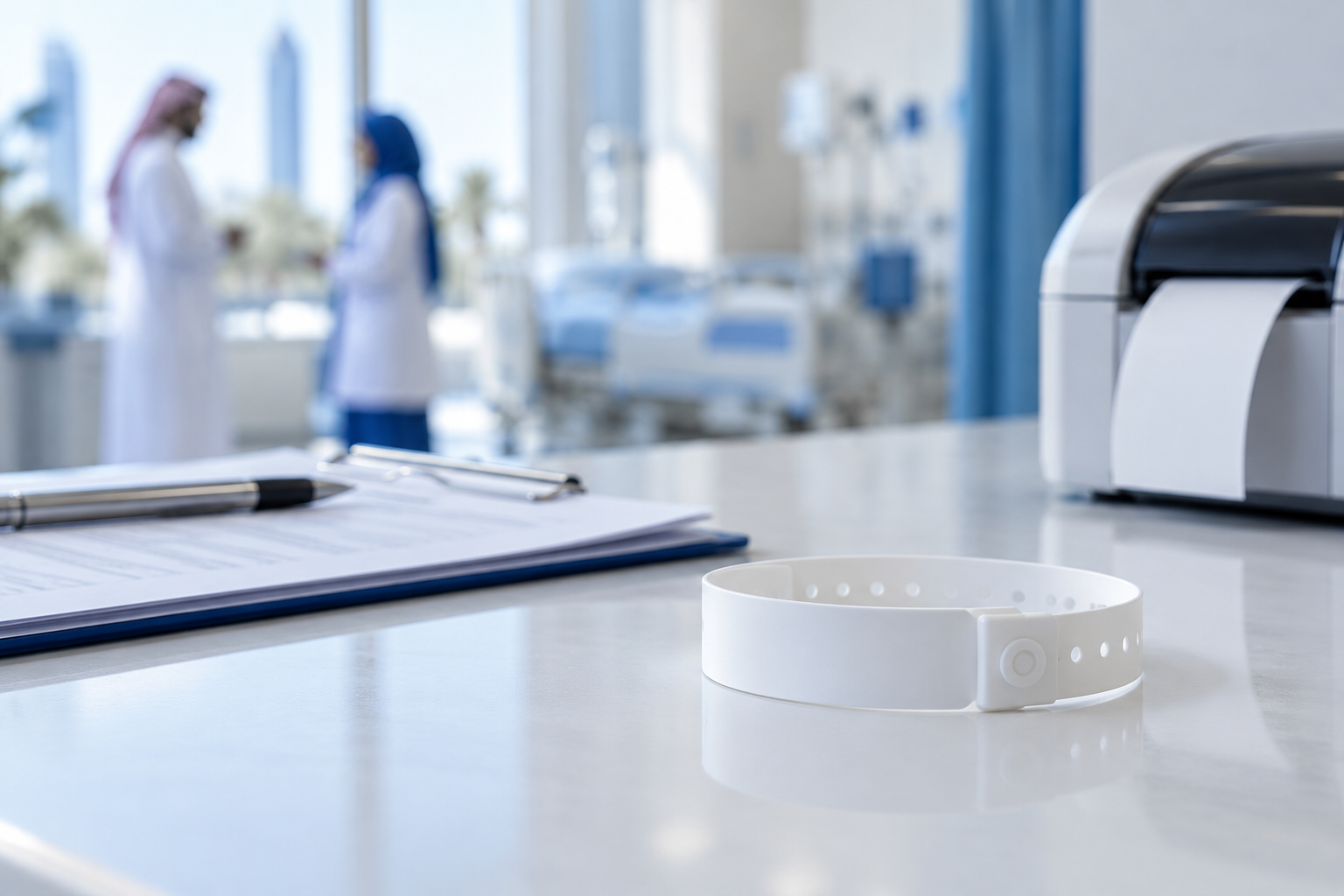
Offline-first patient ID printing for hospital wristband printers.
Client feedback
FAQ
Ask about printers, RFID media or data imports for your batches.
Ask about Wristband design studioThe studio is a Flutter desktop application. We confirm the supported operating system for your workstations during set-up.
Yes. The studio supports RFID and barcode wristbands, subject to a compatible printer and media.
Batches are printed from imported records. We agree the file format and field mapping during set-up.
It is designed to work alongside the Wristband ERP Suite, so production jobs and layouts stay connected.
Yes. Operators can create and save templates, and administrators can control which ones are approved.
Contact ArrowTech
Tell us what you print, how much and on which printers. We’ll show you how the studio would fit your workflow.
Head office in Jeddah. Working with teams across Saudi Arabia and the GCC.
41503 - Palestine Commercial CenterJeddah, Saudi Arabia(+966) 12-617-7177info@arrowtech.sa