
Front desks overwhelmed at peak times
A few staff serving a long queue. Kiosks absorb routine registrations so staff can handle exceptions.
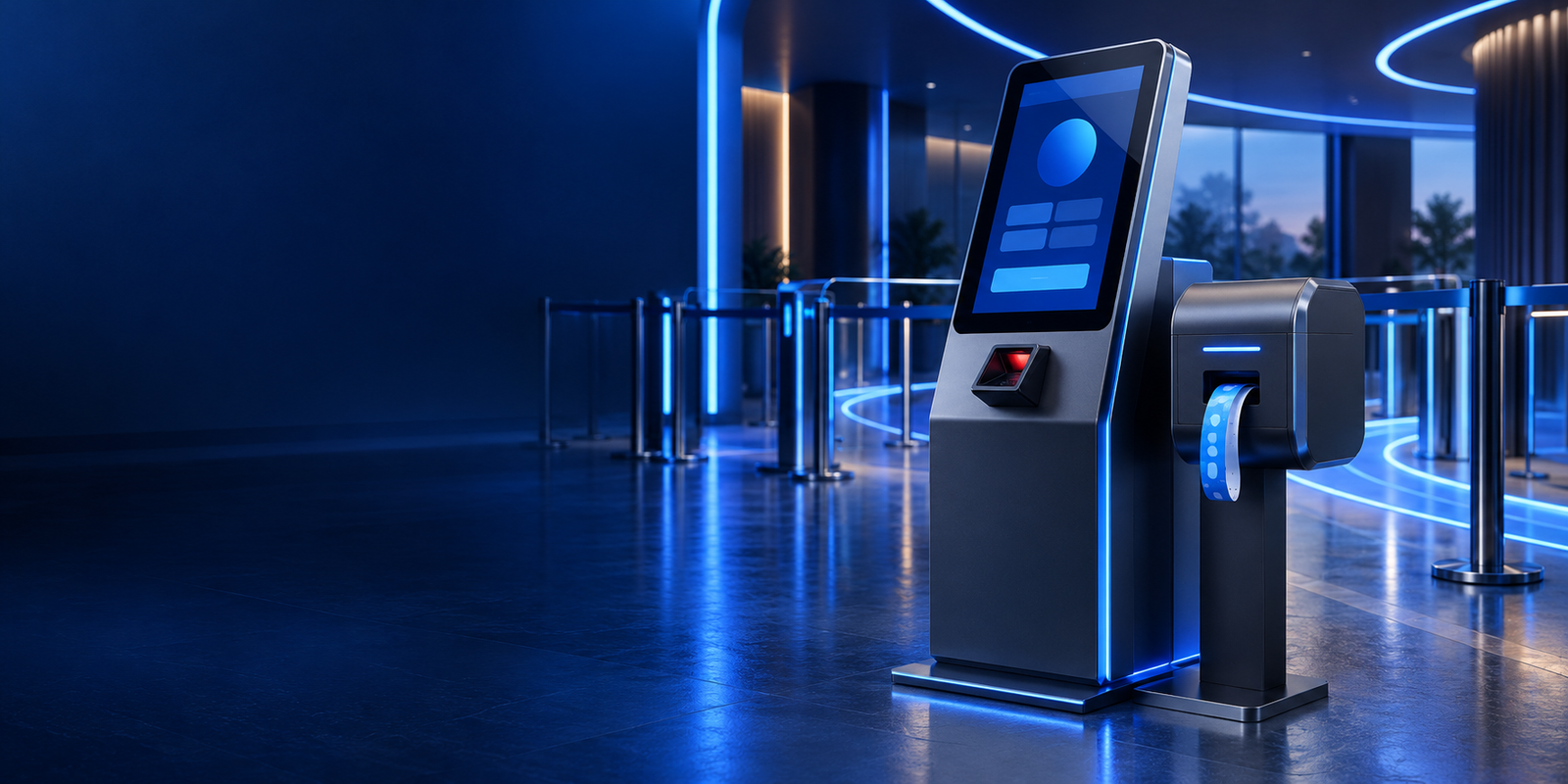
Self-service kiosks · Jeddah & across KSA
Kiosk software and hardware integration for registration, check-in, ticketing and payment, designed so visitors always know what to do next without needing to ask staff.
Overview
We design the on-screen journey, the hardware connections and the back-office link together, because a kiosk that cannot print, scan or sync is just a screen on a stand.
The result is a kiosk visitors can use on their own in a minute or two, and that staff can trust to keep records, payments and receipts correct.
The business case
A few staff serving a long queue. Kiosks absorb routine registrations so staff can handle exceptions.
Information written by hand and entered later. Kiosks capture it once, correctly, at the source.
Confusing screens send people back to the desk. We design for first-time users with no instructions.
Printers and payment devices that need manual workarounds. We integrate them properly.
Who it’s for
Play zones, attractions and centres with timed or ticketed entry.
Check-in and registration points where data accuracy matters.
Ordering, ticketing and payment points that reduce waiting.
Visitor management and service requests at reception.
Features
Large, clear screens that guide visitors step by step.
Hardware that just works.
Every interaction lands in the right system.
Installation and care after launch.
Have a queue that a well-designed kiosk could fix?
Request a kiosk walkthrough
In practice · Kids Zone Kiosk & POS
Busy play zones need reliable walk-in registration, session control and point-of-sale from one shared system. When these run separately, queues grow and staff lose track of who is inside.
We brought the kiosk, staff-facing workflows and payment operations together on Firebase, so families can register themselves while staff keep control of sessions and sales.
How deployment works
Every step from arrival to exit, including where staff must still step in.
Prototype the kiosk flow and test it with people who have never seen it.
Connect and test printers, scanners and payment devices in the real enclosure.
On-site installation, staff training and support through the first busy weeks.
Why ArrowTech
We built the Windows kiosk, staff tools and POS behind a busy indoor play zone.
A team in Saudi Arabia to install, train and respond when something needs attention.
No finger-pointing between the screen supplier and the software developer.
Relevant work
A self-registration kiosk for a busy play zone, and printing for hospital admission desks.
Windows kiosk, staff tools and POS for indoor kids’ play zones.
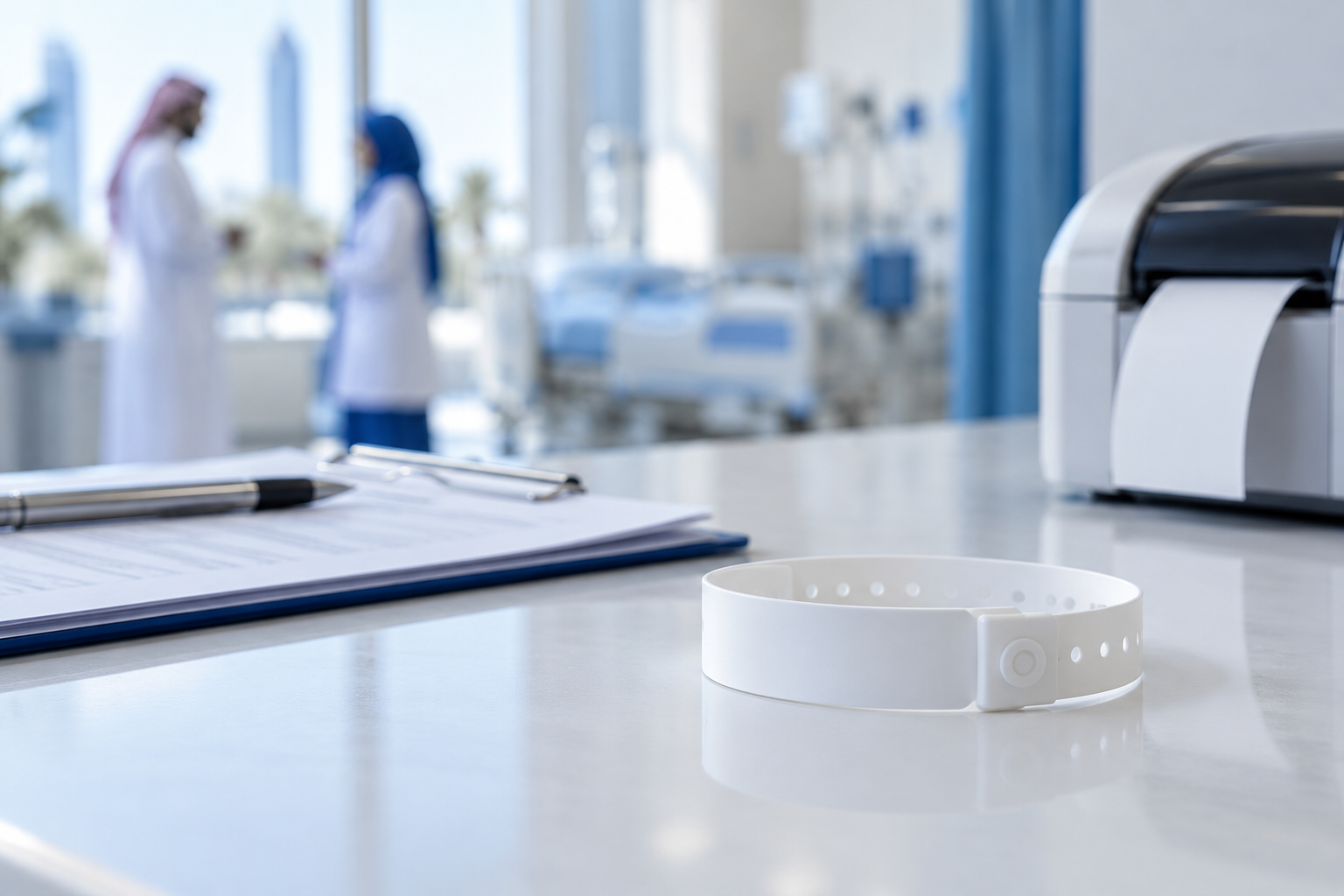
Offline-first patient ID printing for hospital wristband printers.
Client feedback
FAQ
Ask about hardware, payments or offline behaviour before you commit.
Ask about Self-service kiosksWe can source and configure kiosk hardware and peripherals, or integrate with hardware you already have if it is suitable.
Yes, by integrating a payment terminal supported by your bank or payment provider. We plan this early because it affects hardware choices.
We design each kiosk flow with an agreed offline behaviour, such as queuing transactions or directing visitors to staff.
Yes. Content, prices and session options can be managed from the staff or admin tools.
It depends on visitor volumes and how long each transaction takes. We estimate this with you during the site visit.
Contact ArrowTech
Tell us about your site, your busiest periods and what visitors need to do. We’ll propose a kiosk journey and hardware set-up.
Head office in Jeddah. Working with teams across Saudi Arabia and the GCC.
41503 - Palestine Commercial CenterJeddah, Saudi Arabia(+966) 12-617-7177info@arrowtech.sa